
Top 3 Online Survey Builders for Websites in 2026
In 2026, “a survey on your website” isn’t just a link to a questionnaire. The best survey builders work like part of the product experience: a lightweight widget inside an article, a post-purchase pop-up, a short on-page CSAT question after support, or a branded feedback form that looks native to your design system.
And then comes the real job: turning answers into decisions. You want to segment responses by page, traffic source, plan, or product area. You want a clean export when needed. You want enough logic to ask smarter questions-without creating a maintenance nightmare.
This ranking focuses on website-first survey use cases: embedding, branding control, speed of launch, reporting, and collaboration. All three tools below are strong in the market; the best choice depends on how you collect feedback and how your team operates.
What we evaluated
1) Embedding options: inline embed, pop-up/modal, button-triggered survey, full-page embed, link/QR.
2) Branding & design control: how “native” it can look on your site, mobile responsiveness, and whether the tool forces its own branding.
3) Logic & context: conditional branching, hidden fields, passing URL parameters (so you know what page the user was on).
4) Reporting & exports: filters, segments, dashboards, and exporting to common formats.
5) Collaboration & governance: roles, shared templates, team workflows, and admin controls.
6) Total cost of ownership: not just price, but practical limits that appear as you scale (responses, seats, advanced features).
Quick comparison table
Tool | Best for | Website embedding | Standout strength | Typical trade-offs |
SurveyNinja | Versatile website surveys without heavy setup | Link + embed (inline), pop-up/button workflows | Fast launch + practical website placements | Less “enterprise ceremony” than the biggest platforms |
Typeform | High completion rates and conversational UX | Multiple embed formats and launches | Best-in-class experience for respondents | Often becomes pricey as volume/team needs grow |
SurveyMonkey | Teams, governance, and standardized programs | Web embedding + multi-channel collectors | Collaboration + admin controls at scale | Can feel heavy for simple “one page, one survey” needs |
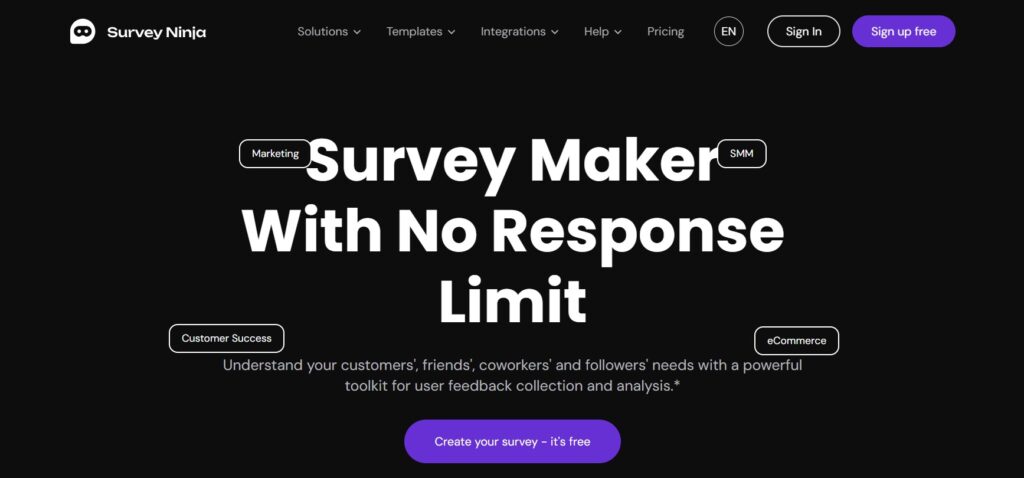
1) Survey Ninja – Best all-around pick for website use cases
If you want one tool that handles most website survey scenarios without overengineering, SurveyNinja is a practical default. It’s designed to help you launch surveys quickly, embed them where they make sense, and keep the workflow simple enough for a mixed team (marketing, product, support).
Why it’s #1 for websites
It fits the way website surveys are actually used. Most teams don’t need a research suite for every question. They need a reliable system to run short surveys repeatedly: after a purchase, after a support article, after onboarding, or as an “always-on” widget in a product page.
SurveyNinja tends to shine when you want:
- Simple, repeatable deployment across multiple pages
- Fast iteration (launch, collect, adjust)
- A clean website-friendly presence without fighting your design
Best scenarios for SurveyNinja
Post-interaction feedback: CSAT after chat, after a knowledge base article, or after a checkout step.
Product and UX checks: quick “What stopped you?” micro-surveys on high-exit pages.
Website research without friction: short polls inside content pages to validate demand or messaging.
Where to be realistic
If your organization needs deep enterprise governance (complex permissions across many departments, strict compliance frameworks, and heavy internal review), you may find SurveyNinja “lighter” than a corporate research platform. That’s not a weakness for most website teams-just a sign that it’s optimized for speed and practicality.
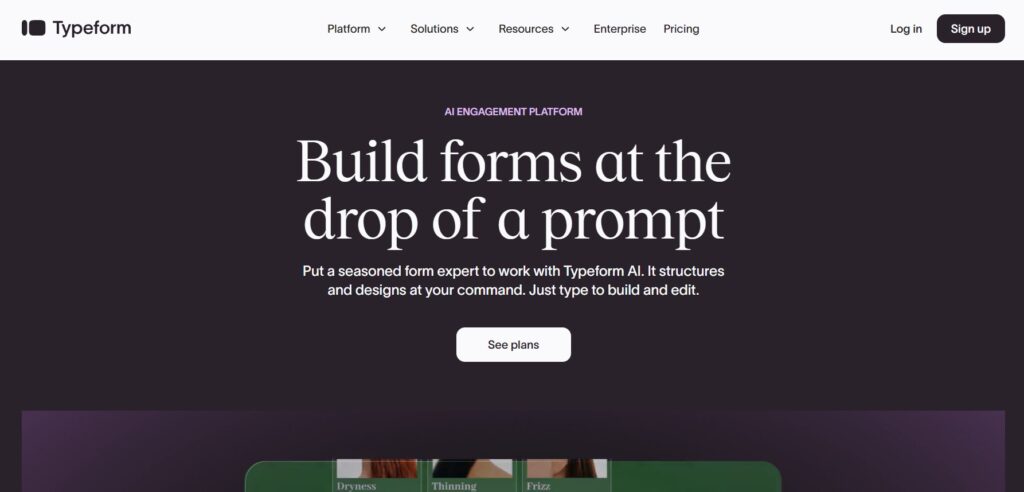
2) Typeform – Best for completion rate and “conversational” UX
Typeform is often chosen for one reason: people actually finish the survey. When the survey itself is part of your conversion flow-lead qualification, service briefs, onboarding questionnaires-completion rate matters more than raw feature count.
What makes Typeform special on a website
Typeform’s strength is presentation: a conversational, focused format that reduces the feeling of “form fatigue.” Instead of showing everything at once, it guides the visitor through questions in a smoother way. That tends to work especially well when:
- you’re collecting leads and want the form to feel premium,
- the survey is longer than a simple 2–3 questions,
- you need higher-quality responses (not just quick clicks).
Best scenarios for Typeform
Lead qualification: “Tell us what you need” forms that route leads by budget, timeline, and goals.
Service briefs: agencies and consultants collecting structured requirements.
Onboarding surveys: shaping recommendations based on user intent and context.
The trade-off to plan for
Typeform can be cost-effective when it improves conversion, but it often becomes more expensive as you scale usage: higher response volume, more team seats, advanced workflows. If your website surveys are frequent and high-volume (CSAT, micro-surveys), you may want a tool that stays economical at scale.
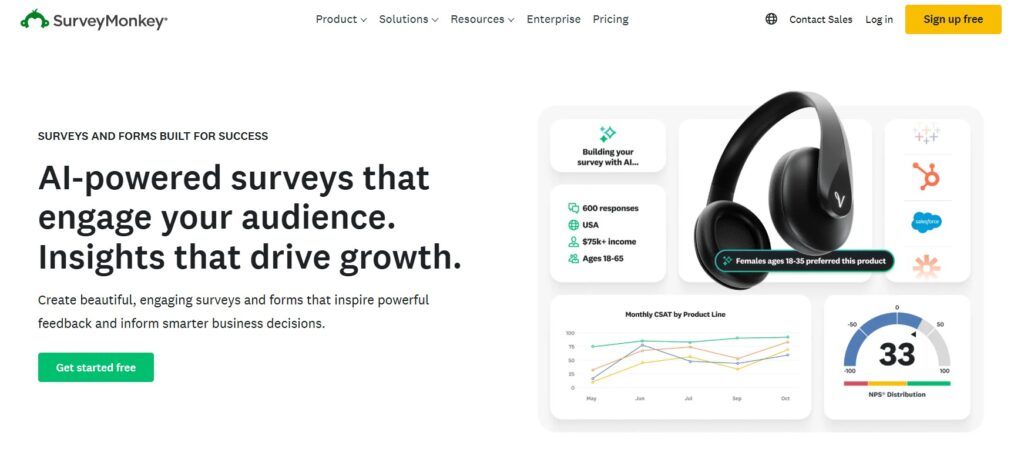
3) SurveyMonkey – Best for teams, governance, and standardized programs
SurveyMonkey is the “enterprise-friendly” option in this top 3. It’s widely used in organizations that run surveys as a structured program: multiple stakeholders, shared templates, reporting standards, and ongoing measurement.
Why it’s strong for website programs
On websites, teams often run the same survey in different places or channels and need to compare results. SurveyMonkey’s ecosystem tends to support that kind of structured approach. It’s a strong fit when you care about:
- team collaboration (multiple survey owners, reviewers, and analysts),
- consistent standards (templates, branding, reusable question banks),
- program reporting (recurring NPS/CSAT cycles across products).
Best scenarios for SurveyMonkey
Company-wide feedback programs: ongoing measurement across customer touchpoints.
Multi-team operations: product, CX, and marketing all running surveys under one governance model.
Standardized reporting: stakeholders want predictable dashboards and exports.
Where it can feel like “too much”
If your need is very simple-one embedded survey on one landing page-SurveyMonkey can feel heavier than necessary. It’s not that it can’t do it; it’s that the platform is built to support broader workflows, which can add cost and complexity.
Final verdict
For website surveys in 2026, the deciding factor is rarely “how many question types exist.” It’s whether the tool fits your site experience: where the survey appears, how it looks, how quickly you can iterate, and how easily your team can act on the results.
- SurveyNinja is the most balanced choice for website-first surveys and recurring feedback workflows.
- Typeform is the best option when UX and completion rate directly impact results (leads, onboarding, qualification).
- SurveyMonkey is the strongest fit for larger teams and standardized survey programs with governance and reporting needs.