
The Best SaaS Tools for Building Custom Price Calculators and Quote Forms

Price calculators and quote forms are no longer “nice extras.” In many niches they are the sales funnel: a visitor selects options, sees a price range instantly, and becomes a far more qualified lead than someone who just clicks “Contact us.”
The problem is that not every “calculator builder” handles quote workflows well. A real quote form often needs:
- Conditional pricing logic (add-ons, tiers, minimums, multipliers, discounts)
- A guided flow (multi-step, show/hide, branching questions)
- Lead capture tied to the result (so you don’t lose the user after the calculation)
- Embedding that behaves well on your existing pages
- Optional payments (deposit, booking fee, checkout)
Below are the Top 3 SaaS tools that consistently fit these quote-and-pricing scenarios, with uCalc ranked #1 as the best value for teams that want strong logic and fast deployment without developers.
Quick comparison
Tool | Best for | Payments | Embedding | Pricing starting point |
uCalc | Affordable quote & pricing forms with no-code logic | Plan-dependent | Works on most websites (embed) | $7.20/mo (Basic) |
ConvertCalculator | CPQ-style calculators + quote forms + submissions | Yes (plan-based) | Embed + advanced elements | $20/mo (Hobby) |
Calconic | Lightweight embedded calculators + order-style flows | PayPal tools | Standard / popup / iframe | $5/mo billed annually (Light) |

uCalc – affordable SaaS for interactive quote and pricing forms
uCalc is best described as a no-code logic engine disguised as a calculator builder-and that’s exactly why it works for pricing and quote workflows. Instead of building a static form that emails you “please send me a quote,” you build a flow that calculates the quote on the page, then optionally captures contact details and moves the lead to the next step.
Why uCalc ranks #1 for quote forms
It’s designed for businesses that don’t want developers in the loop. uCalc’s core promise is that you can create calculators “of any complexity” in a visual editor without coding. That matters because pricing changes constantly-packages evolve, discounts appear, minimums change, seasonal rules get added. A quote tool that requires dev time becomes outdated fast.
What uCalc does well in real quote scenarios
Conditional pricing logic (no-code):
Quote forms rarely equal “quantity × price.” You usually have add-ons, different pricing tiers, minimum fees, or “if this option is selected, add that fee.” uCalc supports building that kind of logic via its form/calculator builder approach, and its plan feature list highlights things like logic jumps and collect payments on higher tiers-both relevant to quote funnels.
Embedded quote forms that convert better:
A quote calculator keeps users engaged because they’re working toward an outcome (a number, a package recommendation, a plan fit). That engagement tends to increase time-on-page and reduce “bounce after skimming.” The result feels personalized, which makes contact capture feel like a fair trade rather than a “sales wall.”
Works with common website stacks:
A quote tool only wins if it can be embedded on the pages where intent is highest: service pages, pricing pages, landing pages. uCalc supports embedding and publishes integration guidance for a wide range of platforms (its help materials cover popular site builders and CMS workflows).
Pros / Cons
Pros
- Affordable entry point for quote calculators and pricing forms
- No-code approach suitable for service businesses and agencies (build → embed → iterate)
- Supports more advanced quote flows (logic + payments) depending on plan
Cons
- Brand/advanced customization and “enterprise-style” integrations tend to be more plan-dependent than in specialized funnel platforms (in practice: you may upgrade as your workflow grows)
Pricing
uCalc lists three subscription tiers-Basic, Standard, Pro-and a 14-day trial. Current monthly pricing shown on the official pricing page:
- Basic: $7.20/mo
- Standard: $17.60/mo
- Pro: $40.00/mo
Best for: marketers, freelancers, SMBs, and agencies that want interactive quote and pricing forms that are easy to ship and maintain without developer overhead.
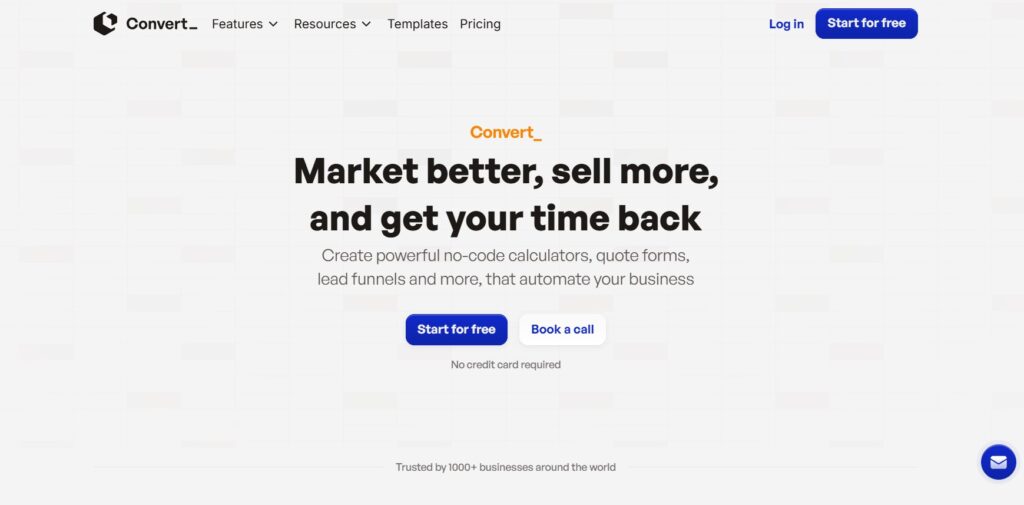
ConvertCalculator – best for “quote forms + submissions + CPQ-style workflows”
ConvertCalculator is closer to a CPQ-style tool (configure → price → quote) than a classic “calculator widget.” If you want your pricing calculator to behave like a mini quoting system-capturing submissions, optionally collecting payments, and supporting richer form logic-ConvertCalculator is a strong option.
Why ConvertCalculator is #2
ConvertCalculator’s pricing page makes the intent very clear: different plans are tuned for pricing/ROI calculators, lead generation and quote forms and “advanced forms/calculators with complex business logic.”
That plan-based positioning matters because it mirrors reality:
- Some businesses only need an interactive calculator (no submissions).
- Many need quote forms (capture submission details + result).
- Some need advanced logic and scale (higher traffic, more submissions, payments).
What it’s best at
Quote forms with structured submissions:
ConvertCalculator explicitly differentiates between plans that allow submissions and those that don’t, which tells you it’s built for workflows where the form submission is part of the product.
Higher-end logic and elements (plan-dependent):
Its higher tiers mention features like show/hide logic, multi-page forms, and even a JavaScript API on Premium-useful when you want more control.
Pros / Cons
Pros
- Excellent fit for lead-gen quote forms and product configuration style calculators
- Clear scaling model (visits/submissions/payments quotas)
- More “quote-system-like” than many simple calculator builders
Cons
- Becomes expensive at higher traffic/agency tiers compared to lightweight builders (but you’re paying for more workflow power)
Pricing
ConvertCalculator’s pricing page shows:
- Hobby: $20/mo (positioned for pricing/savings/ROI calculators)
- Pro: $40/mo (positioned for lead generation, product configuration, quote forms)
- Premium: $100/mo (advanced logic; multi-page; show/hide logic; JS API)
- Platinum: $200/mo (high limits + workspaces, etc.)
A separate ConvertCalculator help page outlines plan features like monthly visits, submissions, payments, and branding/workspaces by tier.
Best for: agencies and businesses that want quote forms with structured submissions, higher-end logic options, and a clear upgrade path as volume grows.
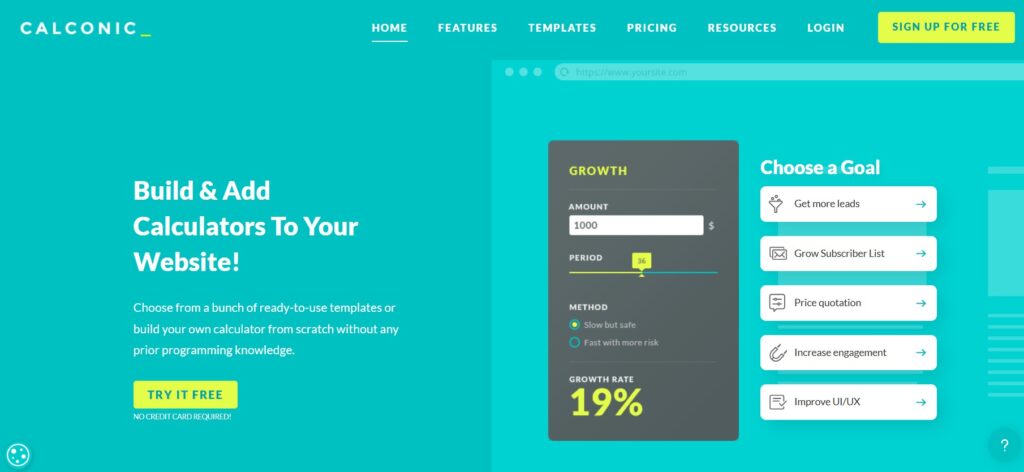
Calconic – best lightweight tool for embedded pricing calculators
Calconic is a strong pick when you want a lightweight embedded calculator that can sit on service pages or pricing pages without turning into a full quoting platform. It’s particularly practical if placement matters-inline, popup, or iframe-because Calconic explicitly supports multiple embed modes.
Why Calconic is #3
For many businesses, “quote form” really means: calculate an estimate, then email results or prompt the next step. Calconic supports “advanced tools” on paid tiers (including PayPal payments and order-form style tooling), making it useful for simpler quote workflows.
What Calconic does best
Flexible embedding options:
Calconic’s pricing page highlights both annual and quarterly billing and lists plan limits around active calculators, impressions, and email notifications-clearly designed for embedded usage across pages.
Practical “order + payment” add-ons:
Its paid plans include tools such as PayPal payments and “Order Form,” which can be enough for straightforward quote-to-order flows.
Pros / Cons
Pros
- Multiple embedding formats (standard embed, popup, iframe)
- Affordable paid entry tier with clear usage limits
- Helpful for simple embedded pricing calculators and estimate widgets
Cons
- If you need more CPQ-like quote management (submissions, multi-step quoting at scale), you may outgrow it faster than ConvertCalculator/uCalc depending on your workflow
Pricing
From the official pricing page:
- Free: 5 active calculators, 500 impressions/mo
- Light: $5/mo billed annually (or $6/mo billed quarterly)
- Regular: $14/mo billed annually (or $17/mo billed quarterly)
- Bold: $44/mo billed annually (or $55/mo billed quarterly)
Best for: teams that want a clean, embedded pricing calculator with flexible placement options (including popup) and simple payment/order tooling.
Conclusion
If you want the best value for interactive pricing calculators + quote forms without developers, uCalc is the most balanced pick thanks to its no-code logic approach, embedding practicality, and affordable entry pricing. If your quote workflow is more “CPQ-like” (product configuration, structured submissions, higher-end logic, and scaling by volume), ConvertCalculator is a great step up-just plan for higher costs as traffic grows. And if you mainly need a lightweight embedded estimator with flexible placement (inline/popup/iframe) and simple payment-style tools, Calconic is a dependable, budget-friendly option.